Etobicoke, ON
Introducing 210 Markland Drive
Modern Rental Living in Etobicoke’s Markland Wood
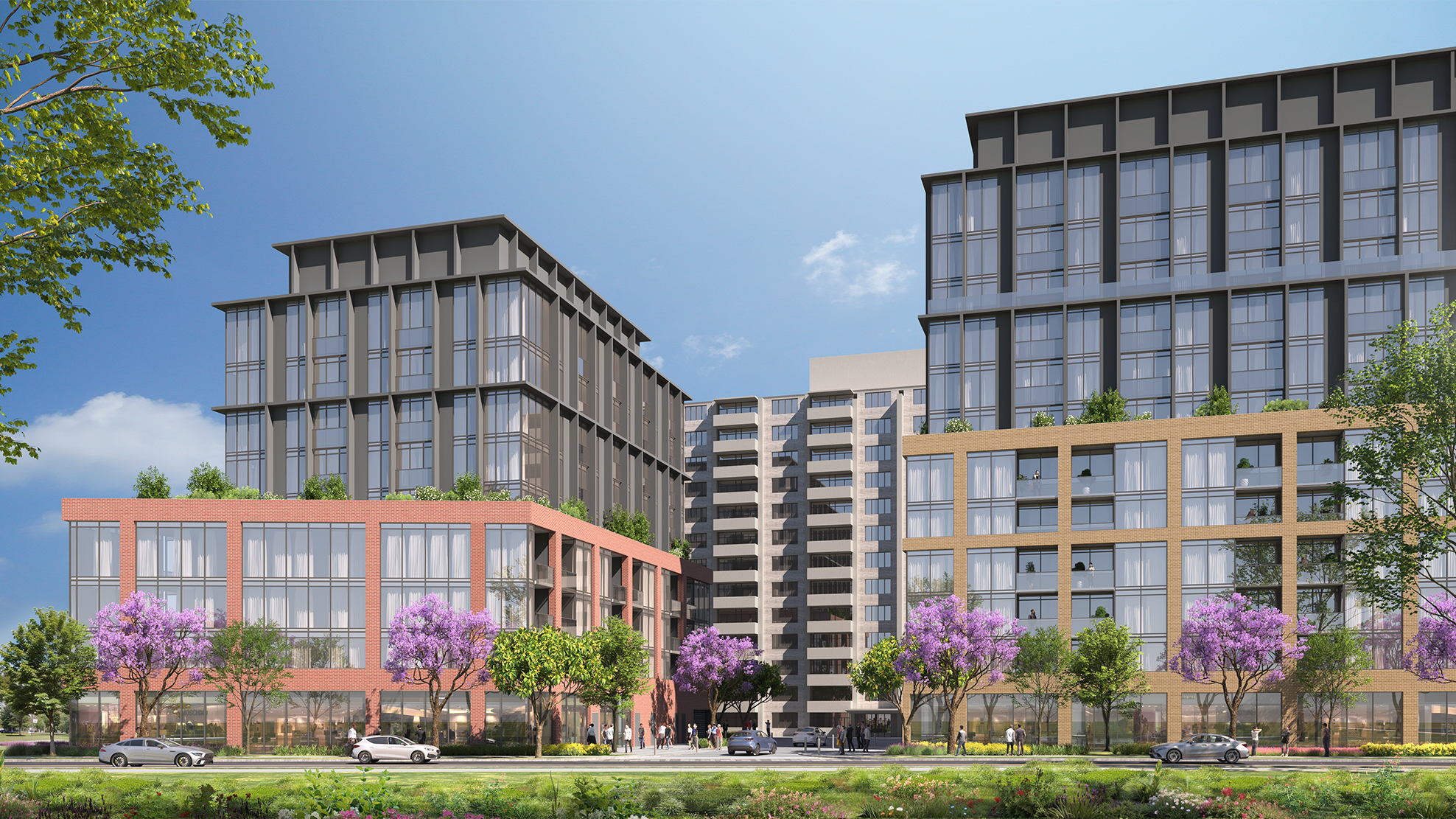
210 Markland Drive is a thoughtfully planned residential redevelopment located at Bloor Street West and Markland Drive in Etobicoke, just minutes from Highway 427 and Dixie Road. Hazelview’s infill strategy for this site will deliver approximately 424,000 square feet of new purpose-built rental housing across three mid-rise buildings, while retaining the existing 13-storey residential tower. This community-focused project enhances rental housing supply and long-term livability in one of Etobicoke’s most established neighbourhoods.
Designed to enrich daily life, the proposal includes over 28,000 sq. ft. of amenity space, upgraded landscaping, new public parkland, and a POPS (Privately Owned Publicly Accessible Space) along Silverthorne Bush Drive. Indoor and outdoor amenity spaces are tailored to support active lifestyles, social connection, and resident well-being. With modern suite finishes and walkable access to transit and green space, 210 Markland exemplifies Hazelview’s commitment to sustainable urban development and long-term real estate investment in Toronto.
Phase
Entitlement
Height
8-12 Storeys
Gross Floor Area
424,000 SF
Units
475


- CTA Text Field: Add a content block and wrap it in a hyperlink.
- Do not add any custom classes.
- You may use bold formatting for emphasis.
-
CTA Icon (Optional): Upload an image in either of the following formats:
- .PNG Sprite
- .SVG file
Looking for another way to connect?
Follow us for insights, updates, and a closer look at how we create long-term value across real estate investment.
- CTA Text Field: Add a content block and wrap it in a hyperlink.
- Do not add any custom classes.
- You may use bold formatting for emphasis.
-
CTA Icon (Optional): Upload an image in either of the following formats:
- .PNG Sprite
- .SVG file

- CTA Text Field: Add a content block and wrap it in a hyperlink.
- Do not add any custom classes.
- You may use bold formatting for emphasis.
-
CTA Icon (Optional): Upload an image in either of the following formats:
- .PNG Sprite
- .SVG file
